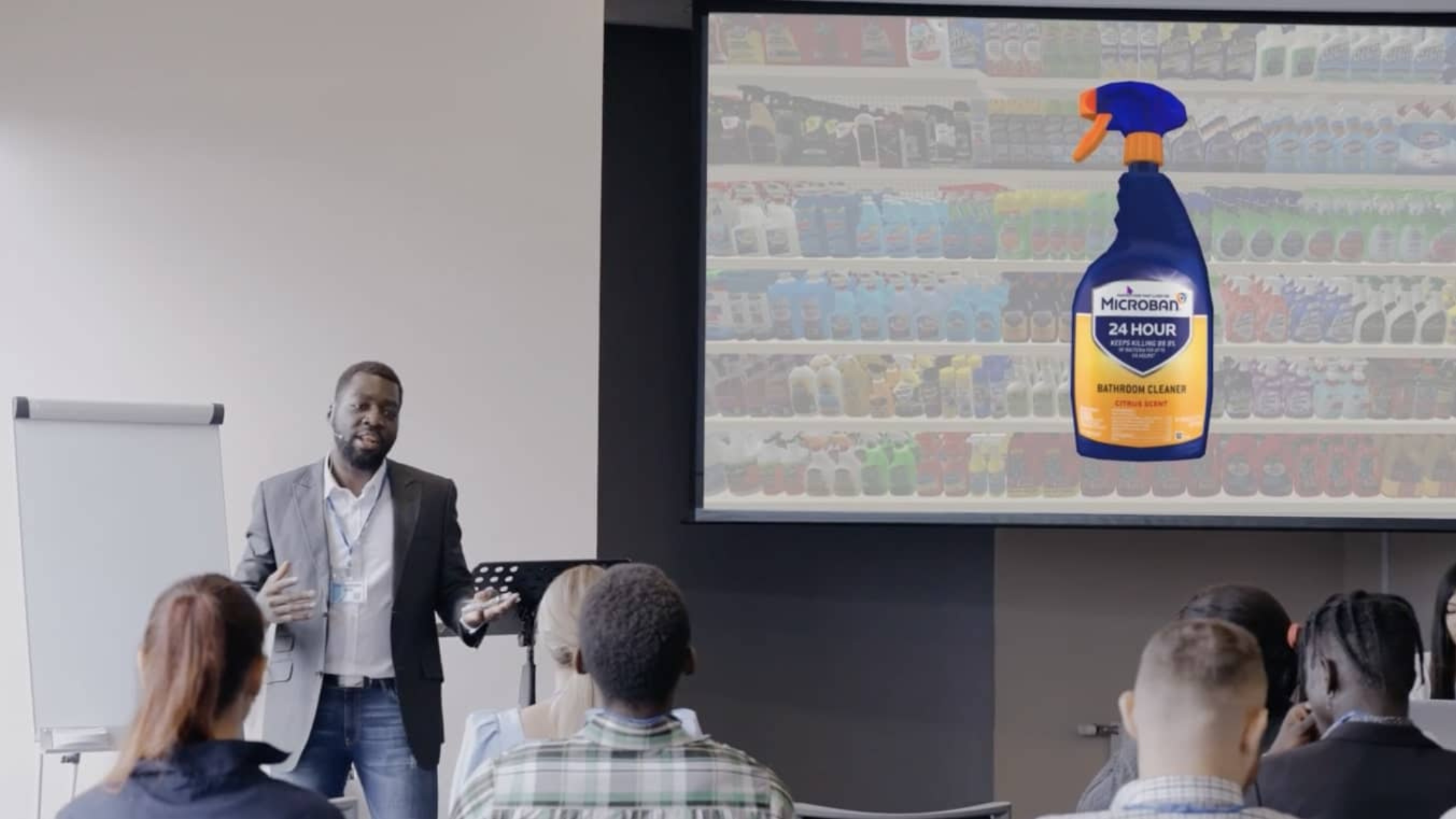
Beyond PowerPoints and Sell Sheets: Presenting Products and Planograms in 3D
Visual merchandising presentations used to be simple: A slide deck, a sell sheet, a product video, a pitch.
But today’s retail teams need to communicate store strategies (not just products) in a way that reflects the realities of the physical store.
Whether you’re aligning internal teams or preparing for a buyer meeting, the strongest presentations show how your ideas translate to the actual retail environment.
Here are five ways to create more compelling, store-specific visual merchandising presentations that win buy-in and drive alignment.
Tailor Your Brand Story to the Needs of Each Retail Partner
Great merchandising presentations, especially when presenting a business case or proving ROI, always start with understanding your audience and their unique business challenges. A national grocery chain, for example, has very different store constraints, shopper profiles, and operational realities than a regional specialty retailer.
Before presenting, make sure your message speaks directly to:
- Their store formats and fixture types
- Their customer missions
- Their operational constraints
- Their category priorities
- Their current merchandising pain points
Strong presentations don’t just explain what you’re recommending. They make it clear why it matters for their stores and how it improves the shopper experience.
One over-the-counter manufacturer stood out by using 3D presentations to deepen product understanding, strengthen brand perception, and win shelf space. Read their story.
Build Credibility with Shopper Insights and Store-Level Data
Data strengthens visual merchandising recommendations, but only if it’s meaningful and tied to real store behavior. Instead of relying solely on secondary research or generic industry trends, bring forward retailer-specific:
- Planogram performance data
- Shopper insights
- Heatmaps and behavioral observations
- A/B tested display or assortment results
- Category-level findings
These insights show your audience that your recommendations aren’t based on assumptions or gut feelings. They’re grounded in evidence. When paired with immersive store visuals, the data becomes even more persuasive.
Use Immersive Store Environments to Bring Your Ideas to Life
A traditional presentation, even with a video, can show what a product looks like, but not what it looks like in the store. That’s why immersive 3D environments and interactive virtual store visuals are becoming a standard part of modern visual merchandising presentations. They allow teams to:
- Walk through their specific store layout
- Show a planogram from the shopper’s perspective
- Demonstrate how displays fit within a real aisle
- Preview signage placement, lighting, and sightlines
- Build confidence by showing exactly how a concept will execute
This level of realism is far more compelling than flat images. It demonstrates feasibility, sharply reduces misinterpretation, and helps teams make faster decisions.
Use Material Aids Strategically to Reinforce Your Brand Story
Physical samples, packaging mockups, or display components can add value — as long as they complement the store strategy you’re presenting. You can even provide links to interactive in-store experiences or virtual store walk-throughs, allowing partners to explore the environment on their own and deepen their understanding before or after the meeting.
(If presenting remotely, ensure samples are shipped in advance, so they can fully participate with material aids during the presentation.)
Retail buyers and internal teams should be able to connect the physical item in their hand with the real-world placement shown in your store visuals.
A simple leave-behind — whether digital or printed — with key points, visuals, or layout summaries also helps teams share, reference, and socialize your recommendations internally.
Tell a Clear Story Anchored in Real Store Context
Every strong merchandising presentation has a narrative:
- What challenge are we addressing?
- What does the store look like today?
- What will it look like with the recommended changes?
- What does the shopper see?
- What is the expected impact?
Customer testimonials, competitive benchmarks, before-and-after visuals, and performance projections all strengthen the story, but nothing is more powerful than showing the entire recommendation inside an actual store environment.
When your audience can visualize the outcome, your recommendations become far easier to approve and act on.
Show, Don’t Tell: Bring Your Visual Merchandising Presentations to Life
If you’re ready to upgrade your presentations from static slides to immersive, store-accurate storytelling, a virtual demo of One Door Studio is the next step. Request a demo to see how Studio helps retail teams build, visualize, and communicate merchandising strategies in realistic 3D environments — and turn presentations into action.